



TiMax MCP AI Assistant Integration: Get to creating, faster.
FACE for professionals
FACE for MI Resellers
FACE Project Integration
Sound designers don't get into spatial audio to type in coordinates
Before any of the creative spatial work can start, someone has to get every loudspeaker into the software with its correct position. Then build out the Image Definitions, the Subspaces, the Scaling Surfaces and the output labelling. It’s hours of data entry that is frequently unpaid time and is in front of the fun creative work.
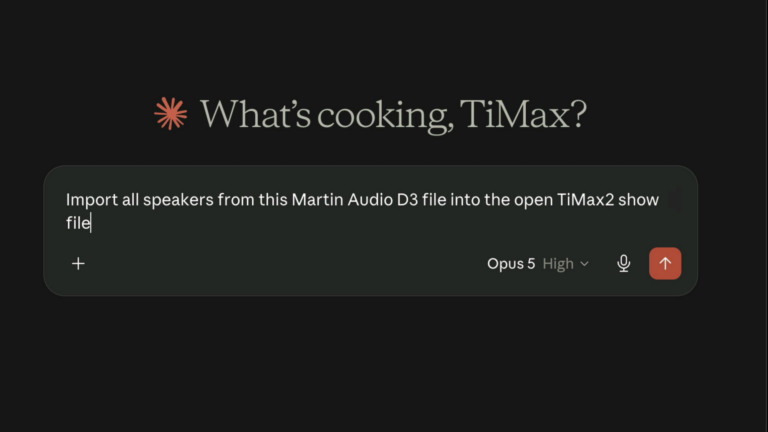
TiMax MCP enables SoundHub software to connect to an AI assistant on your desktop, significantly reducing the time it takes to set up show system designs, so creativity can begin faster. What might be typically four or five hours of work can be reduced to a thirty-minute conversation.
TiMax MCP Features
Imports speaker layouts from Martin Audio DISPLAY 3, d&b ArrayCalc and EASE files.
- Creates and edits Speakers and their positions.
- Creates and edits Image Definitions.
- Creates and edits Subspaces.
- Creates and edits Scaling Surfaces.
- Creates and edits Output Labels.
- Reconfigures venue orientation where the prediction file doesn’t match the orientation you want in TiMax2 SoundHub software.
Everything it creates appears in the software as normal objects: visible, editable, and reversible.
Built to the open MCP standard and tested with Claude Desktop.
An experimental feature, free in the latest software for Mac and PC.
More information here
Download Software hereUser Guide updated
TAGS
No items found.


