
FACE Seminar Sessions 2026 registrations are now open!
REGISTER TODAY
← Back to news

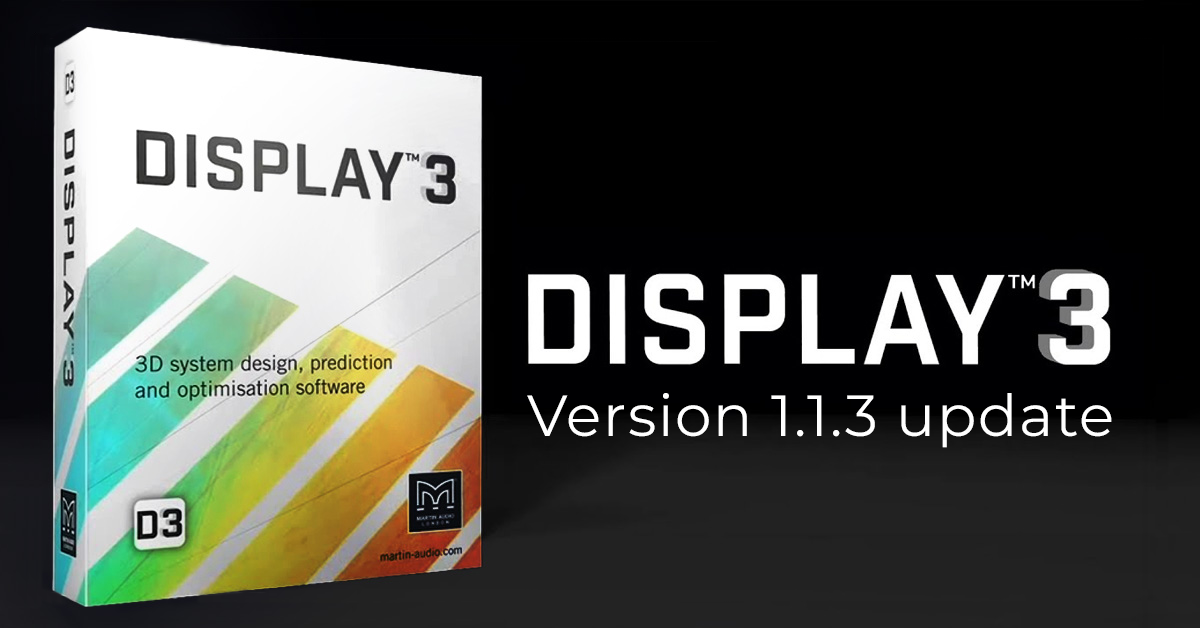
DISPLAY 3 v1.1.3 brings workflow improvements and focuses on everyday workflow

For users already working with DISPLAY 3, version 1.1.3 brings a series of practical refinements to day-to-day system design
DISPLAY 3 v1.1.3 brings workflow improvements and focuses on everyday workflow

Following the launch of DISPLAY 3 in September, Martin Audio has released version 1.1.3. The update builds on the software’s prediction and optimisation tools, with a focus on workflow, responsiveness and stability.

The main improvements include:

  • Channel Limiting per cabinet
    Headroom is now displayed per cabinet, showing its most-limited channel. Users can expand the view to see every channel.
  • Faster, more precise Slice editing
    The Slice view opens faster, while keyboard shortcuts and snapping options help users draw and adjust sections more precisely.
  • TORUS in the Rig view
    TORUS clusters now appear in the Rig view and rigging reports, including pick points and angles.
  • Getting Started Guide
    A guide is now available through the Help menu to help users get started with DISPLAY 3.
How to update

Existing users can update within DISPLAY 3 without downloading the installer again.
Go to Project > Settings > General, enable Receive MINOR Updates (early adopter), then select Help > Check for Updates.

‍

New users should download and install the bundle from the Martin Audio website,
then follow the same steps to update to v1.1.3.

👉 Find the full release notes and download link here.

‍

See product
Explore more FACE news →

Participating products

Limited-time offer: Campaing ends 31 july 2026.

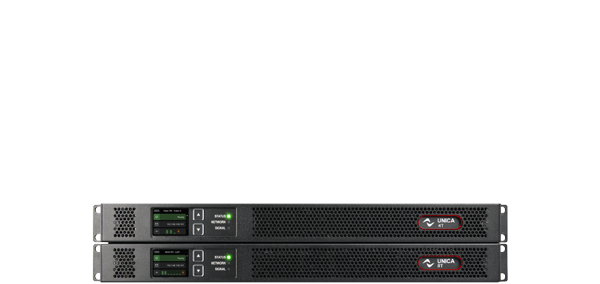
Unica T

For large-scale productions and world tours.

Discover more

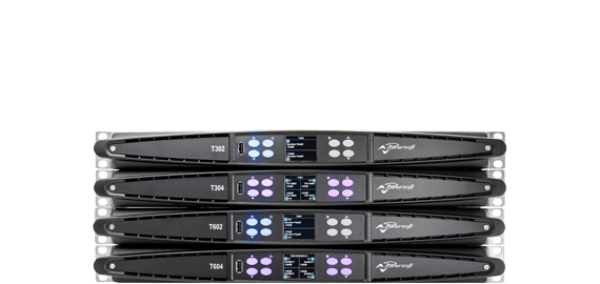
T Series

The ideal partner for mobile PA systems and day-to-day leasing.

Discover more

X Series

For line arrays and high-performance touring.

Discover more

Full Name

Lorem ipsum dolor sit amet, consectetur adipiscing elit.

How we can help you

Full Name

Lorem ipsum dolor sit amet, consectetur adipiscing elit.

How we can help you

Full Name

Lorem ipsum dolor sit amet, consectetur adipiscing elit.

How we can help you

DISPLAY 3 v1.1.3 brings workflow improvements and focuses on everyday workflow

FACE for professionals

FACE for MI Resellers

FACE Project Integration

For users already working with DISPLAY 3, version 1.1.3 brings a series of practical refinements to day-to-day system design

Following the launch of DISPLAY 3 in September, Martin Audio has released version 1.1.3. The update builds on the software’s prediction and optimisation tools, with a focus on workflow, responsiveness and stability.

The main improvements include:

  • Channel Limiting per cabinet
    Headroom is now displayed per cabinet, showing its most-limited channel. Users can expand the view to see every channel.
  • Faster, more precise Slice editing
    The Slice view opens faster, while keyboard shortcuts and snapping options help users draw and adjust sections more precisely.
  • TORUS in the Rig view
    TORUS clusters now appear in the Rig view and rigging reports, including pick points and angles.
  • Getting Started Guide
    A guide is now available through the Help menu to help users get started with DISPLAY 3.
How to update

Existing users can update within DISPLAY 3 without downloading the installer again.
Go to Project > Settings > General, enable Receive MINOR Updates (early adopter), then select Help > Check for Updates.

‍

New users should download and install the bundle from the Martin Audio website,
then follow the same steps to update to v1.1.3.

👉 Find the full release notes and download link here.

‍

TAGS

No items found.